Key Points
Key Points
- Your phone and a quiet, soft room are enough for episode one
- Pick a topic with ten episode ideas before you record
- Record in your phone's recorder first so you own the original file
- Spotify for Creators grew from Anchor, bought by Spotify in 2019
- 2026 guides note built-in recording was cut back in favour of uploads and Riverside
- Publish, then grow slowly: one episode at a time beats perfect gear
On This Page
- Subscribe to CAAW News
- What You Will Get Done in This Guide
- Step 1: Pick an Idea You Can Keep Talking About
- Step 2: Turn a Normal Room Into a Recording Space
- Step 3: Record and Edit on Your Phone
- Step 4: Publish Your Show for Free
- Step 5: Grow Slowly, and Keep Going
- Frequently Asked Questions
- Do I really need no microphone at all to start?
- Is Spotify for Creators really free?
- How long should my first episode be?
- How do people find my podcast?
- Can I make money from a phone podcast?
- What if I hate the sound of my own voice?
- Final Thoughts
- Sources I Used
- React to this story
I recorded my first podcast episode in my car, and I am not proud of the sound, but I am proud that I finally started. For months, I had told myself I needed a microphone, a mixer, and a quiet studio before I could begin. I had a list of gear I could not afford, and that list became my excuse. Then one evening, sitting in a parked car with my phone in my hand, I pressed record and talked for ten minutes about a topic I loved. The audio was rough. The idea was real. And that rough episode taught me the lesson this guide is built on: your phone is already enough to start.
I am not a famous podcaster, and I do not have a studio. I am someone who started with a phone, made every beginner mistake, and slowly learned what actually matters. I recorded in echoey rooms. I forgot to charge my phone. I published an episode with my washing machine humming in the background. I am telling you all of this because I want you to skip the months I wasted waiting for perfect gear. If you have a phone and something to say, you can start this week.
Here is my promise: by the end of this guide, you will know how to plan, record, edit, and publish your first episode using only your phone, and you will know exactly which free app to use for each step. This guide is for complete beginners, especially if you have no budget and no technical background. You do not need to buy anything to publish episode one. So let us stop waiting, and let us make your first episode together.
A quick note on trust: I name free apps here because they are the ones podcast guides describe for phone-first creators, and because their free tiers are widely documented. App names and features change, especially at Spotify, so check the app store listing before you rely on any single feature. I earn nothing from these recommendations.
What You Will Get Done in This Guide
- Pick a show idea you can actually sustain for ten episodes
- Record clean audio on your phone, even in a normal home
- Edit your episode on your phone without fancy software
- Publish your show for free and get it onto Spotify and Apple Podcasts
- Grow your first small audience without spending money
- Avoid the five beginner mistakes that ruin most first episodes
Step 1: Pick an Idea You Can Keep Talking About
I picked my first show topic because it sounded impressive, and I ran out of things to say by episode three. That is the most common way a new podcast dies, and it has nothing to do with gear. So before you touch any app, answer one question honestly: what could you talk about for ten episodes without getting bored? If you cannot list ten episode ideas in ten minutes, the topic is too narrow, or it is not really yours.
Here is the test I use now. Write down your topic, then write ten episode titles under it. They do not need to be perfect. They just need to exist. If you are stuck at episode four, widen the topic a little. A show about “my town’s football team” can grow into “football stories from small towns”. A show about “cooking on a budget” can grow into “one cheap meal, one story, every week”. Your show will grow with you, but it needs room to grow.
Next, decide who your show is for, in one sentence. Mine is now simple: “This show is for busy parents who want one useful idea a week.” Yours might be for students, for new gardeners, or for people learning a language. When you know who you are talking to, every later choice gets easier, from your episode length to your title. And when you feel lost in episode six, that one sentence will pull you back.
Finally, keep your first episodes short. Twenty to thirty minutes is plenty, and fifteen minutes is fine too. Short episodes are easier to record, easier to edit, and easier for a new listener to try. I used to think longer meant more serious. It does not. It just means more editing, and more chances to quit. Start short, finish strong, and let listeners ask for more.
Step 2: Turn a Normal Room Into a Recording Space
I recorded my second episode in my kitchen, and it sounded like I was talking inside a tin can. Hard floors, bare walls, and a humming fridge will do that to phone audio. You do not need foam panels or a studio. You need soft things around you, and a quiet hour. That is the whole secret, and it costs nothing.
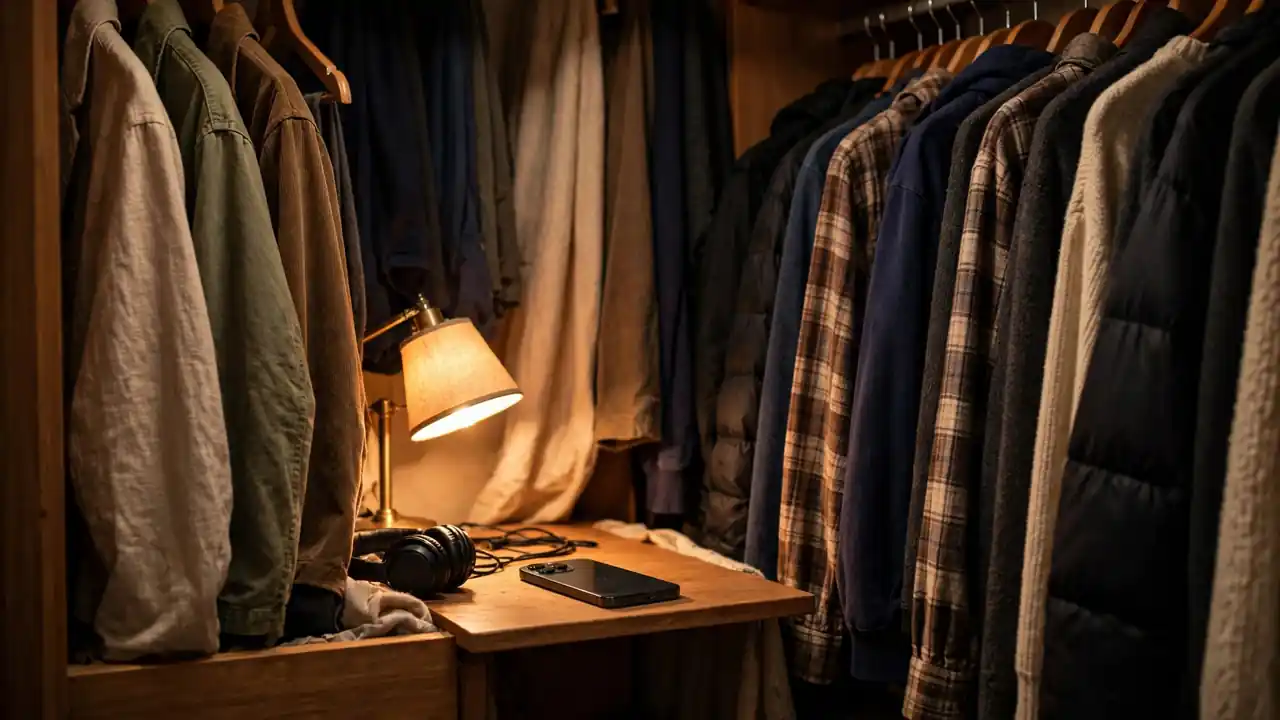
Here is exactly what I do now. I pick the quietest room I have, and I close the windows and doors. I turn off the fan, the washing machine, and anything that hums. Then I surround myself with soft things: I record in a bedroom with curtains and a bed, or even in a wardrobe full of clothes, which podcast guides often suggest because clothes absorb echo. I sit close to my phone, about a hand’s length away, and I talk across it, not directly into it, so my breath does not thump on every word.
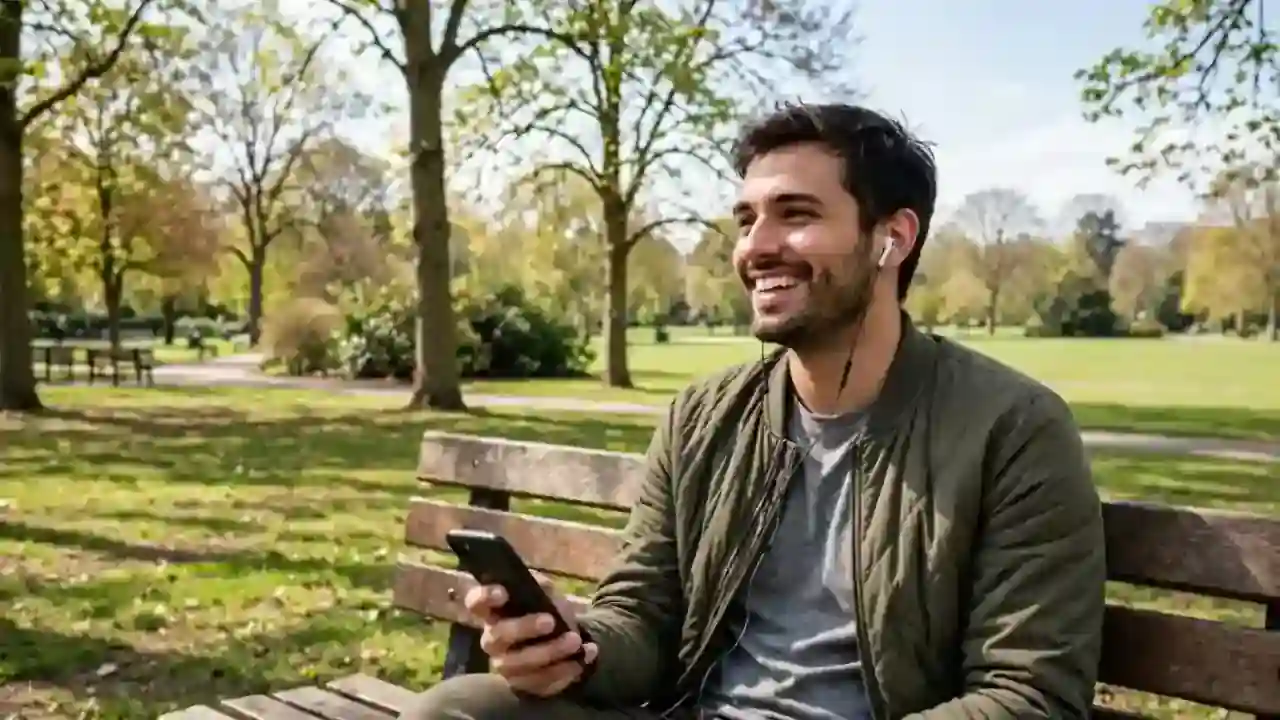
Use wired earbuds if you have them, because the small microphone on a wired headset usually sounds clearer than holding the phone at arm’s length, and it keeps your hands free. Wireless earbuds can work too, but they sometimes add delay or drop sound, so test them before a real recording. And always do a ten-second test first. Record yourself saying your show name, play it back, and listen for echo, hum, or traffic. Ten seconds of testing saves ten minutes of re-recording.
One more lesson from my own mistakes: charge your phone fully, and turn on Do Not Disturb. Nothing ruins a good take like a notification ping in the middle of your best sentence, or a phone that dies at minute nineteen. I also put my phone on airplane mode with Wi-Fi off during recording when I can, because a surprise call can stop a recording app cold. Small habits like these are what make phone podcasting feel professional, even when the studio is a bedroom.
Step 3: Record and Edit on Your Phone
I used to think editing meant sitting at a computer with complicated software, and that belief delayed my show by months. You can record and edit on your phone, and for a first show, that is more than enough. On an iPhone, the built-in Voice Memos app records clean audio. On Android, your phone’s built-in recorder does the same job. Press record, talk, and press stop. That is your raw episode, and it is already real.
For hosting and simple editing, the best-known free starting point is Spotify for Creators, formerly known as Anchor and then Spotify for Podcasters. Spotify bought Anchor in 2019, renamed it, and later folded it into Spotify for Creators, and 2026 guides note an important change: the built-in phone recording tools were cut back, and creators now mostly upload finished audio or video, or record through its Riverside integration. That matters for your plan. I now record my audio in my phone’s recorder first, so I always own the original file, and then I upload it to my host. Do not build your whole show inside one app’s recorder if you can avoid it. Keep your own copy.
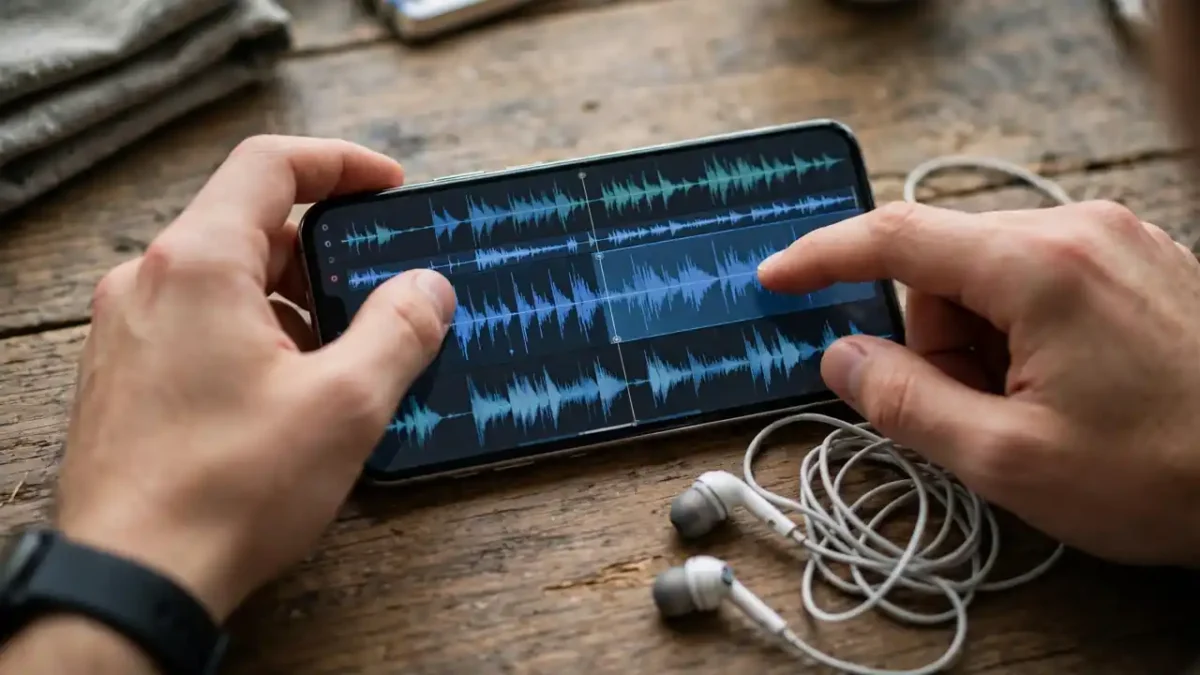
Editing on a phone is simpler than it sounds. Open your recording, listen once through, and cut only three things: long silences, false starts, and mistakes where you stop and restart a sentence. Do not try to remove every “um” or every breath. A podcast that sounds too polished sounds robotic, and listeners trust a human voice more than a perfect one. I cut the big mistakes, I leave the small human sounds, and my episodes sound like me, not like a robot reading a script.
If you want a little more polish, free tools like Audacity on a computer can help later, and many phone editors can trim, split, and adjust volume. But do not let editing become your new excuse. Set a limit: one hour of editing per episode, maximum, for your first ten episodes. When the hour ends, publish. Your tenth episode will sound better than your first, and that improvement is the point. Nobody’s first episode sounds like episode one hundred, and that is fine.
Step 4: Publish Your Show for Free
I remember staring at the publish button for my first episode for a full day, convinced I would press the wrong thing and break the internet. You will not. Publishing is mostly filling in a form: your show name, a short description, a category, and your cover art. Then you upload your audio file, write an episode title and description, and press publish. That is it. Your host then creates an RSS feed, which is a special link that tells podcast apps whenever you release a new episode.
Your host distributes your show to listening apps for you. Spotify for Creators offers free hosting and distribution to major platforms, and other hosts like Buzzsprout and Podbean offer free tiers with limits. One limit worth knowing, reported in 2026 beginner guides, is that Buzzsprout’s free tier deletes episodes after 90 days, so it is a good place to test, but not a good permanent home unless you upgrade. Whatever host you choose, submit your RSS feed once to Apple Podcasts and check your Spotify listing, and then every future episode appears automatically. Podcast guides report that Apple approval can take a day or two, so submit early and do not panic if your show is not everywhere on day one.
Your cover art matters more than you think, because it is the first thing a stranger sees. You do not need a designer. Use a free design app on your phone, pick one clear photo or simple illustration, and add your show name in large, readable letters. Podcast guides commonly note that Apple asks for square cover art around 3000 by 3000 pixels and under 500KB, so keep your design simple and readable at tiny sizes. If people cannot read your title on a phone screen, they will scroll past, no matter how good your episode is.
Write episode descriptions like a human, not like an advert. Say what the episode is about, say who it is for, and say one thing the listener will learn or feel by the end. I write two or three short sentences, and I add the main topic words naturally, because that helps people find the show when they search. Then I press publish, and I do not re-listen ten times looking for flaws. Published and imperfect beats perfect and unpublished, every single time.
Step 5: Grow Slowly, and Keep Going
I expected hundreds of listeners in my first week, and I got eleven. I was disappointed, and then I realised those eleven people had chosen to listen to me, a stranger with a phone, for twenty minutes. That is not failure. That is a beginning. Most podcasts grow slowly, through friends, through social media clips, and through listeners telling one other person. If you expect slow growth, you will not quit in week three, and not quitting is the whole growth strategy.
Here is what actually helped me. I told five friends personally, not with a mass post, but with a direct message that said why I thought they might like this episode. I posted one short clip from each episode, not the whole episode, because a thirty-second clip is easy to try. And I asked one question at the end of every episode, so listeners had a reason to reply. Questions beat pleas. “What would you do in this situation?” gets answers. “Please subscribe” gets ignored.
Be consistent before you try to be clever. Pick a schedule you can keep, like one episode every week or every two weeks, and keep it for ten episodes before you judge your show. I chose every two weeks at first, because weekly was too much with my job, and that honest schedule kept me going. A show that releases every two weeks for a year beats a show that releases daily for two weeks and then vanishes. Listeners trust rhythm more than volume.
Finally, do not compare your episode one to someone else’s episode two hundred. Compare it to your own episode zero, which did not exist. Every podcaster you admire started with bad audio, a shaky idea, and a tiny audience. The difference between them and the people who quit is not gear. It is that they recorded episode two. So record yours, and then record the one after that.
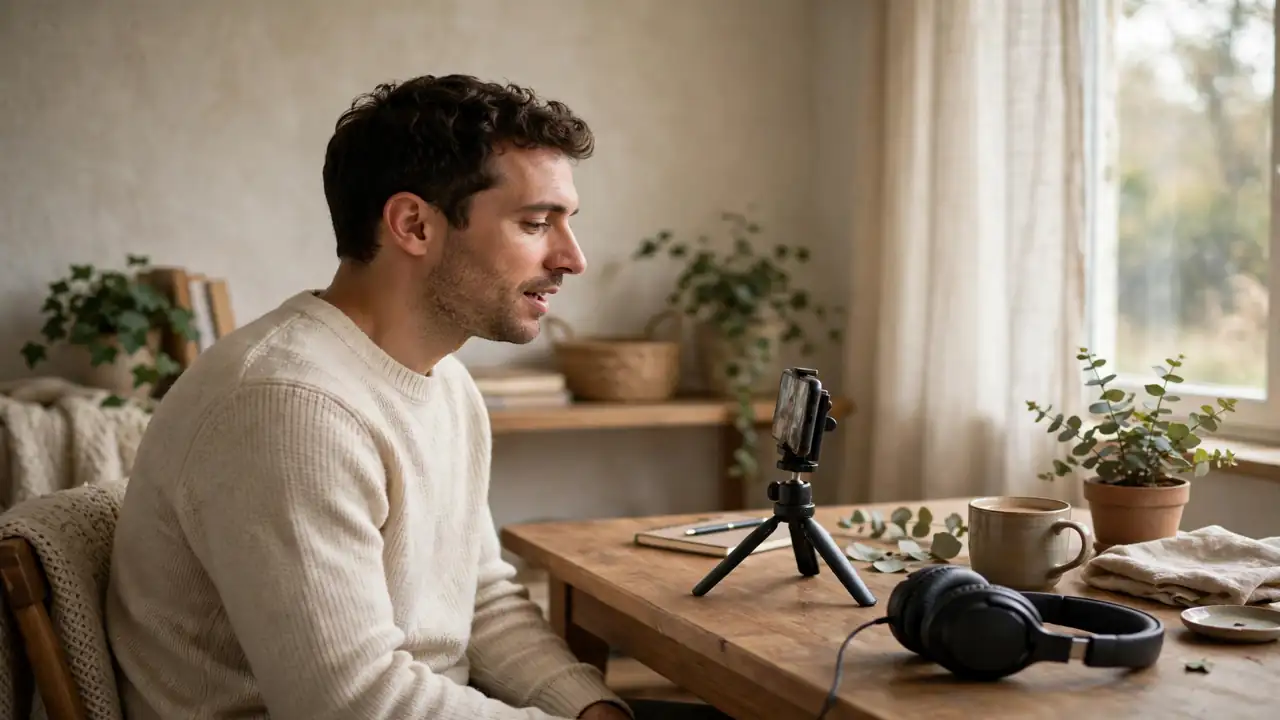
Your first-episode challenge: today, write ten episode titles. Tomorrow, record a ten-minute test in your quietest room. This week, publish it, even if it is rough. You do not need permission, and you do not need new gear. You need one episode, and your phone is already in your hand.
Frequently Asked Questions
Do I really need no microphone at all to start?
No, not for your first episodes. Your phone’s built-in microphone, or a wired headset microphone, is clear enough in a quiet, soft room. A better microphone will improve your sound later, but it will not fix a boring idea or an echoey room. Start with your phone, learn what good recording feels like, and upgrade when your show has earned it.
Is Spotify for Creators really free?
Yes, it offers free hosting, and it grew out of Anchor, which Spotify bought in 2019. The name and some features have changed over time, and 2026 guides note that built-in recording was cut back in favour of uploading finished audio or recording through Riverside. The free hosting idea remains, but always check the current app before you plan around one feature.
How long should my first episode be?
Fifteen to thirty minutes is a great range for a first episode. It is long enough to say something real, and short enough to edit on your phone without burning out. If your topic needs more time, split it into two episodes. Listeners forgive a short episode. They rarely forgive a long, rambling one.
How do people find my podcast?
Through your host’s RSS feed, which sends each new episode to apps like Spotify and Apple Podcasts once you submit it. After that, people find you through search, through clips you share, and through recommendations from listeners. Clear titles and honest episode descriptions help search more than clever wordplay does.
Can I make money from a phone podcast?
Eventually, yes, through ads, subscriptions, or listener support, and Spotify for Creators describes ways to earn, including subscriptions and donations. But money comes after audience, and audience comes after consistency. For your first ten episodes, focus on making a show worth listening to. The money question answers itself later.
What if I hate the sound of my own voice?
Almost everyone does at first, because you normally hear your voice through your own bones, not through air. Record a test, listen to it twice, and then stop judging the sound and start judging the ideas. Your listeners are not comparing your voice to a radio host. They are listening for someone who sounds real, and that is you.
Final Thoughts
I still have that car recording somewhere, and I still cringe a little when I hear it. But I also smile, because that rough ten minutes broke a year of waiting. Your first episode will not be perfect, and it does not need to be. It needs to exist. So pick your topic, find your quiet room, press record on the phone you already own, and publish something real this week.
When you do, tell me in the comments what your show is about, and what surprised you most about recording it. I read every comment, and I am rooting for the person who starts with a phone and a good idea. That person could be you, and your episode one is closer than you think.
Sources I Used
- StudioBinder, How to Start a Podcast in 10 Easy Steps (2026)
- Inspire to Thrive, Spotify for Creators (Formerly Anchor): With Free Podcast Hosting
- Murf, How to Make a Podcast on Phone in 2026 (Android and iOS)
- It’s Good Season, How to Start a Podcast for Beginners: The Ultimate Guide for 2026
React to this story