Key Points
Key Points
- Fanless M4 design: completely silent, with warmth under heavy load
- 13.6-inch and 15.3-inch Liquid Retina displays at 500 nits, 60Hz
- M4 10-core CPU with 16GB unified memory as standard
- Battery life near Apple's 18-hour claim in reviewer testing
- Two external displays now work alongside the built-in screen
- Only two Thunderbolt ports, no HDMI, USB-A, or SD slot
- Buy 512GB or more: memory and storage cannot be upgraded
On This Page
- What You Will Learn
- Design: Thin, Silent, and a Little Too Familiar
- Subscribe to CAAW News
- Display: Beautiful, Bright, and Stuck at 60Hz
- Performance: The M4 Feels Effortless
- Battery Life: The Reason I Recommend It
- Keyboard, Trackpad, Camera, and Sound
- Ports and the Two-Display Fix
- Price and Who Should Buy It
- Frequently Asked Questions
- Is the MacBook Air M4 good for students in 2026?
- Can the MacBook Air M4 run two external monitors?
- Is 16GB of memory enough?
- Is the base 256GB storage enough?
- Does the MacBook Air M4 have a fan?
- Should I buy the 13-inch or the 15-inch?
- Is the MacBook Air M4 good for gaming?
- Final Thoughts
- React to this story
I have carried this laptop through airports, cafes, and far too many deadlines, and the first thing I noticed was not the speed. It was the silence. No fan, no whir, no heat on my legs during a long video call, just a thin, cool machine that kept going long after my old laptop would have begged for a charger. I bought the MacBook Air M4 expecting a modest upgrade, and I kept it because it removed the little daily frictions I had stopped noticing: the charger anxiety, the fan noise on calls, the wait for apps to open. If you are wondering whether the MacBook Air M4 is still the right laptop to buy in 2026, this review is for you. I will tell you what it does brilliantly, where it annoys me, and who should skip it. No hype, just a year of real use boiled down.
Quick trust note: I paid for my own machine, Apple did not send me anything, and the prices and reviewer figures below are linked to their sources because prices move and memories do not.
What You Will Learn
- What the M4 chip feels like in everyday work, not benchmarks
- How the display, keyboard, and camera hold up daily
- Real battery life from reviewers and from my own use
- How two external displays change the desk setup
- Who should buy it, and who should buy a Pro instead
Design: Thin, Silent, and a Little Too Familiar
I will be honest: unboxing the MacBook Air M4 felt familiar rather than exciting. The design is essentially the same flat, minimal slab Apple has refined for years, in 13.6-inch and 15.3-inch sizes, and it weighs 2.7 pounds for the smaller model and 3.3 pounds for the larger one. That familiarity turns out to be a compliment. The lid opens with one finger, the hinge is steady, and the whole thing slips into a bag without a second thought. I have stopped thinking about carrying it, which is the highest praise a portable machine can earn.
The fanless design is the real story. With no fan at all, the machine is completely silent, and that matters more than I expected. On video calls, nobody hears my laptop. In a quiet library, I am not that person with the whirring machine. The trade-off is heat: under a long, heavy workload, the chassis can get warm, and one review summary notes that WIRED reported slight overheating during its testing. In my own use, writing, browsing, and light photo editing never made it uncomfortable, but long video exports do warm the underside. If your work is sustained heavy rendering, that is what the MacBook Pro’s fan is for.
Display: Beautiful, Bright, and Stuck at 60Hz
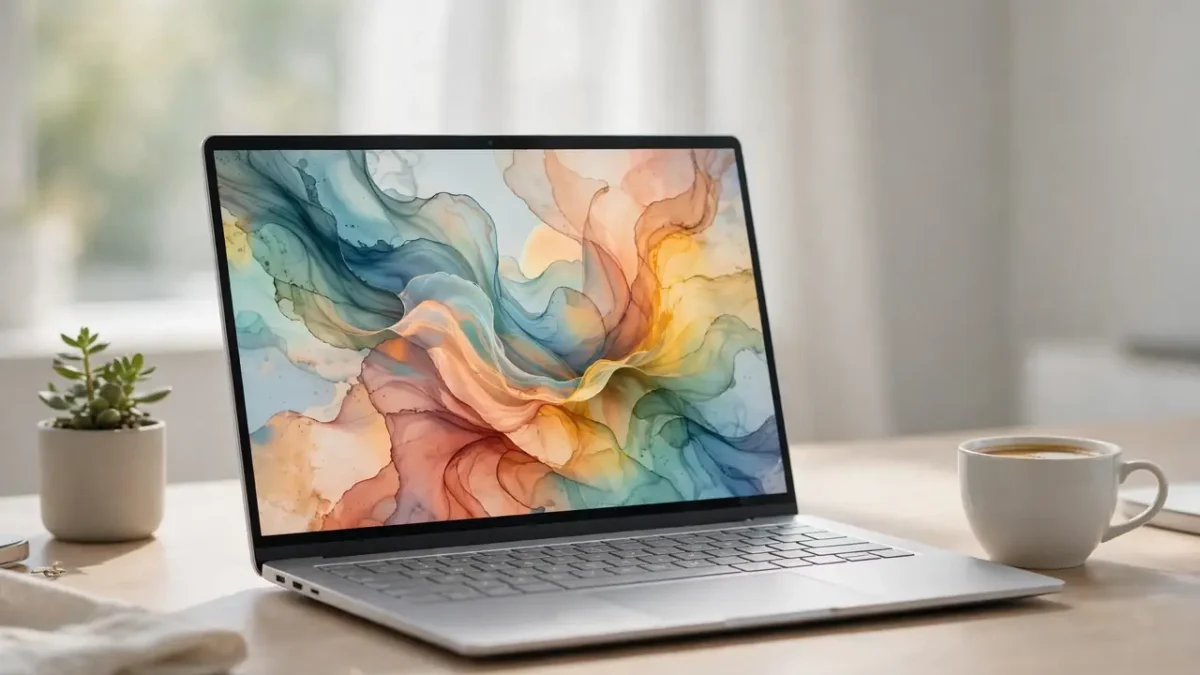
The Liquid Retina display is genuinely lovely. The 13-inch model runs at 2560 by 1664 and the 15-inch at 2880 by 1864, both at 500 nits of brightness with P3 wide colour, and text looks crisp enough that I stopped noticing pixels entirely. Colours are accurate without being garish, and working by a bright window is fine, which matters to me because I work near windows whenever I can.
The weakness is the 60Hz refresh rate, and I will not pretend otherwise. If you have used a 120Hz screen, scrolling on the Air feels a touch less fluid. I stopped noticing after a week, and most buyers coming from an older laptop will not notice at all, but it is a real limitation on a machine at this price. There is also no matte nano-texture option, so glare in very bright rooms is something you manage with seating, not settings. A detailed 2026 review roundup collects these same criticisms, including the glossy 60Hz panel and the sparse ports, and you can read it in Rightwei’s MacBook Air M4 review roundup.

Performance: The M4 Feels Effortless
The M4 chip pairs a 10-core CPU with an 8-core GPU on the base 13-inch model and a 10-core GPU on the 15-inch, backed by 16GB of unified memory as standard, configurable to 24GB or 32GB, and storage from 256GB to 2TB. What does that mean in real life? Everything I do daily, dozens of browser tabs, video calls, documents, photo editing, opens instantly and stays smooth. The machine feels the same on battery as it does plugged in, which is something most Windows laptops at this price still cannot match.
Reviewers measured real gains over the previous generation. The same roundup notes that The Verge measured CPU and comparable GPU results around 20 percent above the M3, with its Blender test finishing nearly twice as fast. My own experience matches the direction of those numbers: short video edits and photo exports finish noticeably quicker than on my old machine, and I never wait on the machine itself anymore. Heavy 3D work and long 4K renders will still favour a Pro with a fan, but for everyone else, the Air’s performance is not the bottleneck. It is the reason I stopped thinking about specs.
One configuration warning from my own mistake: I nearly bought the base 256GB model, and I am glad I did not. Storage and memory cannot be upgraded later, and one reviewer calls Apple’s 200 dollar charge for the 512GB upgrade semi-outrageous. Fair enough, but the practical advice stands: buy the storage you will need in three years, not the storage that feels fine today. For most people that means 512GB, and for photo and video libraries, 1TB.
Battery Life: The Reason I Recommend It
Apple rates the MacBook Air M4 at up to 18 hours of video playback, and reviewers got close to that in real testing. The roundup I cited earlier reports that TechRadar recorded 14 hours and 51 minutes of web browsing on the 13-inch, while PCMag measured 18 hours and 31 minutes on the 15-inch. My own pattern, mixed writing, browsing, and calls at moderate brightness, comfortably covers a full working day with charge to spare, and I often go two days between charges when I am travelling light.
That battery life changes behaviour. I stopped carrying a charger to cafes. I stopped hunting for seats near power outlets in airports. I stopped doing the anxious battery maths before a long meeting. If you only remember one thing from this review, remember this: the Air’s battery is not a spec sheet boast, it is a daily quality-of-life upgrade. If you study or work on the move, pair it with something to listen to while you work, like our list of the best study playlists in 2026, and you have a genuinely pleasant mobile setup.
Keyboard, Trackpad, Camera, and Sound
The keyboard is quiet, comfortable, and reliable over long writing days, and I type this review on it without thinking about it, which is the point. The haptic trackpad is large, precise, and still the best in the business as far as I am concerned. I rarely reach for a mouse anymore, even at my desk.
The 12MP Center Stage camera is a genuine improvement for video calls. It keeps you framed as you move, and it looks good in ordinary room light, which is where most of us actually take calls. The four-speaker system with Spatial Audio sounds far better than a laptop this thin has any right to, and the three-microphone array means my voice comes through clearly without a headset. Small things, all of them, and all of them used every single day.

Ports and the Two-Display Fix
Here is my honest complaint: ports. You get two Thunderbolt 4 ports, both on the left side, plus MagSafe charging and a 3.5mm headphone jack. That is it. No HDMI, no USB-A, no SD card slot. I carry a small hub, and I resent needing it, even though I understand the design choice. If your workflow involves plugging in lots of peripherals, budget for a hub or look at the Pro.
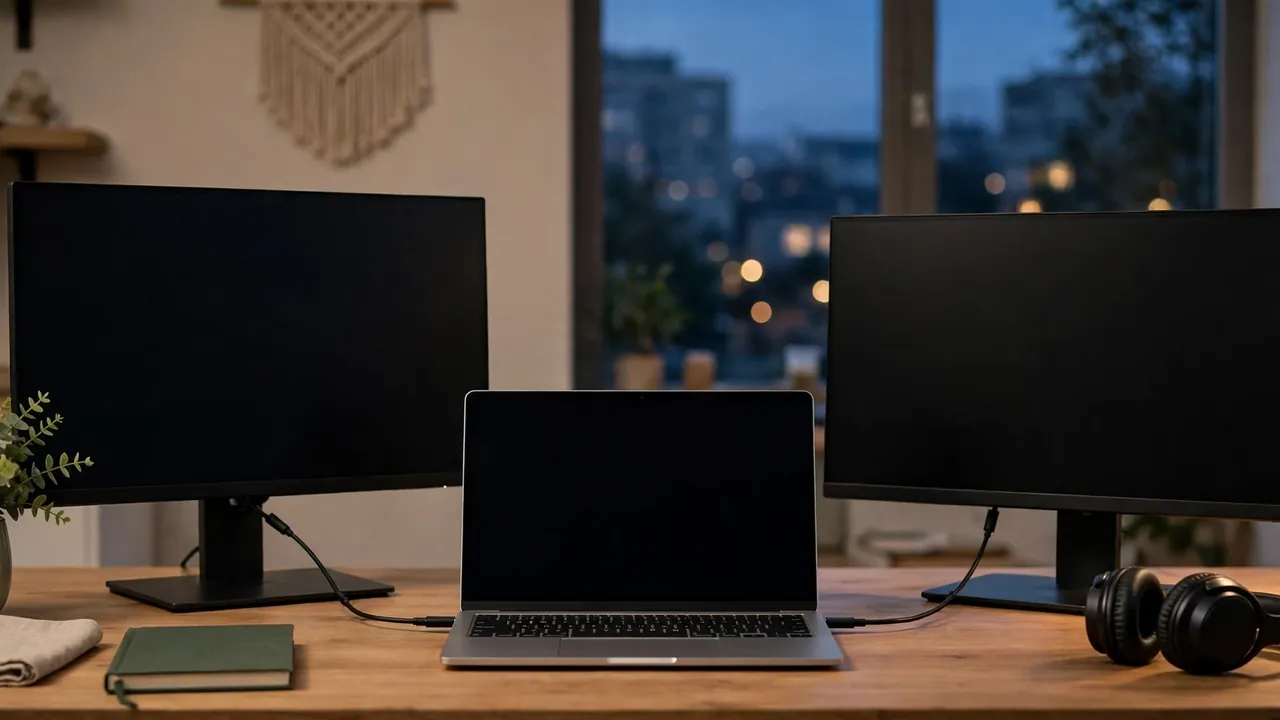
The good news is the external display situation, which Apple finally fixed properly. The M4 Air supports up to two external displays, and reviewers confirm that two external 6K monitors now work while the built-in screen stays active, fixing a real limitation of the M3 model. I run mine with two monitors at my desk, and it genuinely works as a desktop replacement during the week and a portable machine at the weekend. That flexibility is a big part of the value.
Price and Who Should Buy It
Pricing varies by source and region, so treat any single figure as a snapshot. A 2026 review roundup lists the starting price at 999 dollars for the 13-inch with 16GB of memory, while other roundups list the 13-inch base around 1,099 dollars and the 15-inch from 1,299 dollars. The honest summary is that the 13-inch starts around a thousand dollars and the 15-inch costs a few hundred more, with storage and memory upgrades adding up fast. Check current local pricing before you buy, and watch for sales, because this machine is frequently discounted.
Buy the MacBook Air M4 if you are a student, a writer, a remote worker, a developer, or a casual creator who wants a silent, long-lasting, beautifully built laptop. Skip it if you are a heavy gamer, if you need more than two external displays, if you need ports without a hub, or if your work is sustained heavy 3D or video rendering, where a fanned Pro earns its premium. One comparison of the two machines concludes the Air is right for roughly 80 percent of buyers, and after a year with it, I think that is about right. If you are weighing Apple’s tablet side of the ecosystem too, our iPad Air M3 review for 2026 covers the tablet alternative for lighter work.
My verdict after a year: this is the laptop I recommend to almost everyone who asks me. It is not the most exciting machine Apple sells, and it is not the most powerful, but it is the one that gets out of your way. Silence, battery life, and a screen you enjoy looking at will improve your working life more than a faster chip you never fully use.
Frequently Asked Questions
Is the MacBook Air M4 good for students in 2026?
Yes, it is one of the best student laptops available. It is light enough to carry all day, silent in lectures and libraries, and its battery covers a full day of classes. Just buy enough storage at purchase, because you cannot upgrade it later.
Can the MacBook Air M4 run two external monitors?
Yes. The M4 Air supports up to two external displays, and reviewers confirm both can run alongside the built-in screen. This was a genuine limitation on the M3 model, and it is fixed here.
Is 16GB of memory enough?
For most people, yes. Apple’s unified memory architecture means 16GB here behaves more generously than 16GB in a traditional laptop, and it handles dozens of tabs, calls, and creative apps comfortably. Choose 24GB if you regularly edit large photos or video, or keep many heavy apps open at once.
Is the base 256GB storage enough?
It depends on your files. For documents, browsing, and streaming, it is fine. For photo libraries, video projects, or large app collections, it will feel tight fast. Since storage cannot be upgraded, most buyers should choose 512GB or more.
Does the MacBook Air M4 have a fan?
No. It is completely fanless, which means it is silent. Under sustained heavy load the chassis can warm up, so buyers doing long renders should consider a MacBook Pro with active cooling.
Should I buy the 13-inch or the 15-inch?
Buy the 13-inch if portability matters most, and the 15-inch if you want a bigger screen and slightly longer battery life and do not mind the extra weight. The 15-inch also gets the 10-core GPU as standard. If you travel constantly, the 13-inch is the easy choice.
Is the MacBook Air M4 good for gaming?
Not really. It handles casual and Apple Arcade games fine, but macOS game support is limited and the fanless design is not built for sustained gaming loads. Windows gaming laptops are a better fit for serious gamers.
Final Thoughts
A year on, the MacBook Air M4 is still the laptop I reach for every morning, and that is the review in one sentence. It did not wow me on day one. It won me over slowly, by never getting in my way, never dying before the day ended, and never making a sound. If that sounds like what you want from a laptop, buy it, and buy the storage you will need in three years. If you already own one, tell me in the comments what you love and what frustrates you. I read every comment, and your experience might be exactly what the next reader needs to decide.
React to this story