Key Points
Key Points
- Back up and verify before deleting anything, so cleanup is never scary.
- Keep at least 10 to 15 percent of storage free for speed and updates.
- Delete apps unused for 60 days; reinstalling later takes two minutes.
- One calm home screen with daily apps beats five crowded screens.
- Allow notifications only from real people, not companies.
- Ten minutes on the first Sunday of each month keeps the phone clean.
On This Page
- What You Will Learn in This Guide
- First, Back Up Before You Delete Anything
- Subscribe to CAAW News
- Free Up Storage Without Losing Anything Important
- Delete the Apps You Do Not Use
- Rebuild a Calm Home Screen
- Silence the Notifications That Run Your Day
- Clean Your Photos, Messages, and Browser Tabs
- Keep It Clean With a Monthly Ten-Minute Habit
- Frequently Asked Questions
- How long does it take to declutter a phone properly?
- Will deleting apps delete my data or photos?
- How much free storage should I keep on my phone?
- Should I use a cleaner or booster app?
- What if I delete an app and need it later?
- How do I stop the clutter coming back?
- Final Thoughts
- React to this story
I opened my phone one morning to check the time, and twenty minutes later I was still scrolling through apps I did not even remember installing. My home screen was a mess, my storage was almost full, and every swipe felt like digging through a drawer nobody had cleaned in years. I felt embarrassed, because I write about simple living, yet my own phone was the loudest room in my life. That morning I promised myself one thing: I would clean this phone properly, once, and keep it clean. In this guide, I will show you exactly how I did it, step by step, so you can do the same in one calm afternoon. If your phone feels slow, crowded, or stressful, this guide is for you. Let us start, and by the end your phone will feel like a tool again, not a chore.
Trust nudge: I am not sponsored by any app or phone brand in this guide. The storage and speed tips below match public 2026 guides I checked during my research, and I only recommend free built-in phone tools before any paid option.
What You Will Learn in This Guide
- How to back up your phone safely before you delete anything
- How to free gigabytes of storage without losing a single memory
- How to delete apps you do not use, without regret
- How to rebuild a calm home screen you actually enjoy
- How to silence notifications so your phone stops shouting
- How to keep your phone clean with a simple monthly habit
- Answers to the questions I hear most about phone decluttering
First, Back Up Before You Delete Anything
I learned this lesson the hard way years ago, when I deleted a whole holiday album in a hurry and spent a week trying to get it back. I never delete first now. I back up first, I check the backup, and only then do I delete. That one rule turns a scary cleanup into a safe one. On an iPhone, I turn on iCloud Photos and check that recent photos show up on another device. On Android, I use Google Photos backup and wait until it says backup complete. I also copy my most precious videos to my computer, because two copies beat one every time.
Backing up is also the moment I decide what matters. While the backup runs, I scroll through my photos slowly and I notice which ones I actually love. Most of them are duplicates, blurry shots, and screenshots I saved for five seconds and kept for five years. Knowing they are safe in the cloud makes deleting them easy. If you are moving phones soon, my guide to moving to a new phone without losing anything walks through the same backup-first idea, and my 3-2-1 backup rule guide explains why one copy is never enough.
Free Up Storage Without Losing Anything Important
I start every phone cleanup in Settings, under Storage, because guessing wastes time. My phone shows me exactly what eats space, and the answer is almost always the same: photos, videos, chat media, and a few giant apps. Public guides agree that videos, photos, apps and chat media usually take the most space, and that you should back up before you delete. I follow that order strictly. I check the biggest items first, because deleting one forgotten downloaded film can free more space than deleting a hundred small photos.
Chat apps are the hidden storage thieves in my life. WhatsApp and Telegram quietly save every forwarded video, meme, and voice note, even from groups I muted years ago. I open each chat app’s storage settings and I clear the big files first. Then I turn off automatic media download, so the pile stops growing back. I also empty my Downloads folder, where old PDFs, tickets, and installers sit for years. Finally, I use the built-in “free up space” option in my photos app, which removes backed-up copies from the phone while keeping them safe in the cloud. Guides on speeding up an Android phone note that phones slow down noticeably when storage drops below about 10 percent free, so I aim to keep at least 10 to 15 percent of my storage empty, and my phone thanks me with faster opening apps.
Delete the Apps You Do Not Use
I once counted my apps and found 112 of them. I used about 20. The rest were games I finished, shopping apps from one sale, and tools I downloaded for one trip. Each one still sent notifications, updated in the background, and took a little piece of my attention. So I made a simple rule: if I have not opened an app in 60 days and it is not a banking, health, or emergency app, it goes. One well-known digital declutter checklist for 2026 suggests the same 60-day rule for unused apps, and it changed my phone completely.
Deleting is easier when I sort apps by size and by last use. On Android I sort them in the Play Store under Manage apps, and on iPhone I check iPhone Storage, which lists apps by size with suggestions. I delete the big games first, because they give the biggest win. For apps I might need once a year, like a parking app for a city I rarely visit, I delete them anyway and trust that I can reinstall in two minutes if I ever need them again. I have never once regretted a deletion, but I have often regretted keeping a noisy app for another year. If an app makes me feel guilty, bored, or anxious every time I see it, that feeling is the review I need.
Rebuild a Calm Home Screen
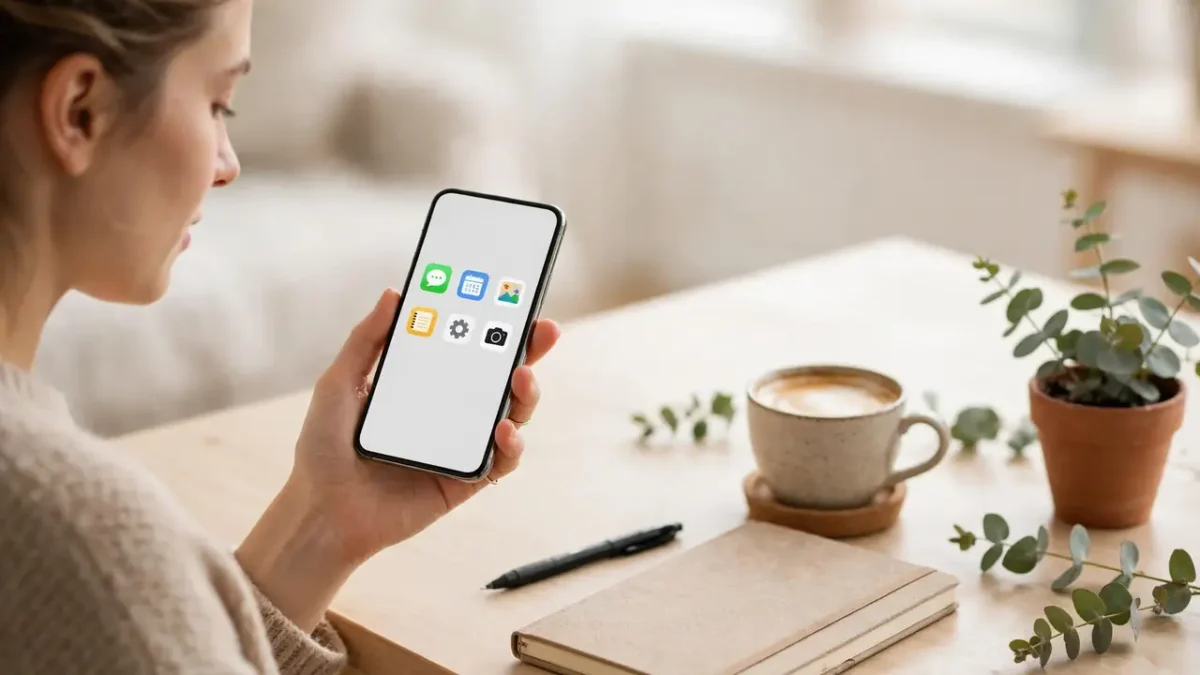
I used to have five home screens full of folders with names like “Stuff” and “Misc.” I could never find anything, so I searched for everything, which defeated the point of a home screen. Now I keep one main screen with only the apps I use every day: phone, messages, maps, notes, camera, and my calendar. Everything else lives in the app library, one swipe away, but not staring at me. The same declutter checklist advises keeping the home screen to one or two pages and moving distracting apps off the home screen, and I found that advice genuinely life-changing.
Silence the Notifications That Run Your Day
I remember the week I counted my notifications: 214 in one day, and only nine of them mattered. The rest were sale alerts, game reminders, and news I did not ask for. No wonder I felt tired. Now I allow notifications only for people, not for companies. Calls and messages from real contacts can reach me. Everything else is silent, and I check it when I choose to, not when it buzzes. A digital declutter guide for 2026 puts it beautifully: turn off non-essential notifications, and try Do Not Disturb as your default, not your last resort. I took that advice, and my evenings got quieter within a day.
I do this app by app, not all at once, because one afternoon of settings can feel overwhelming. Each evening for a week, I long-pressed the noisiest notification of the day and turned that app silent. Keeping only the creative tools I truly use, like the setup in my guide to starting a podcast with just your phone, made the cull much easier. After seven days, my lock screen was calm. I also turned off badges, those little red numbers that beg me to open apps, because a red number is a tiny alarm I never agreed to. If you work from your phone, keep work apps on during work hours and silence them after, using your phone’s Focus or Do Not Disturb schedule. Your phone should respect your off hours the way a good colleague would.
Clean Your Photos, Messages, and Browser Tabs
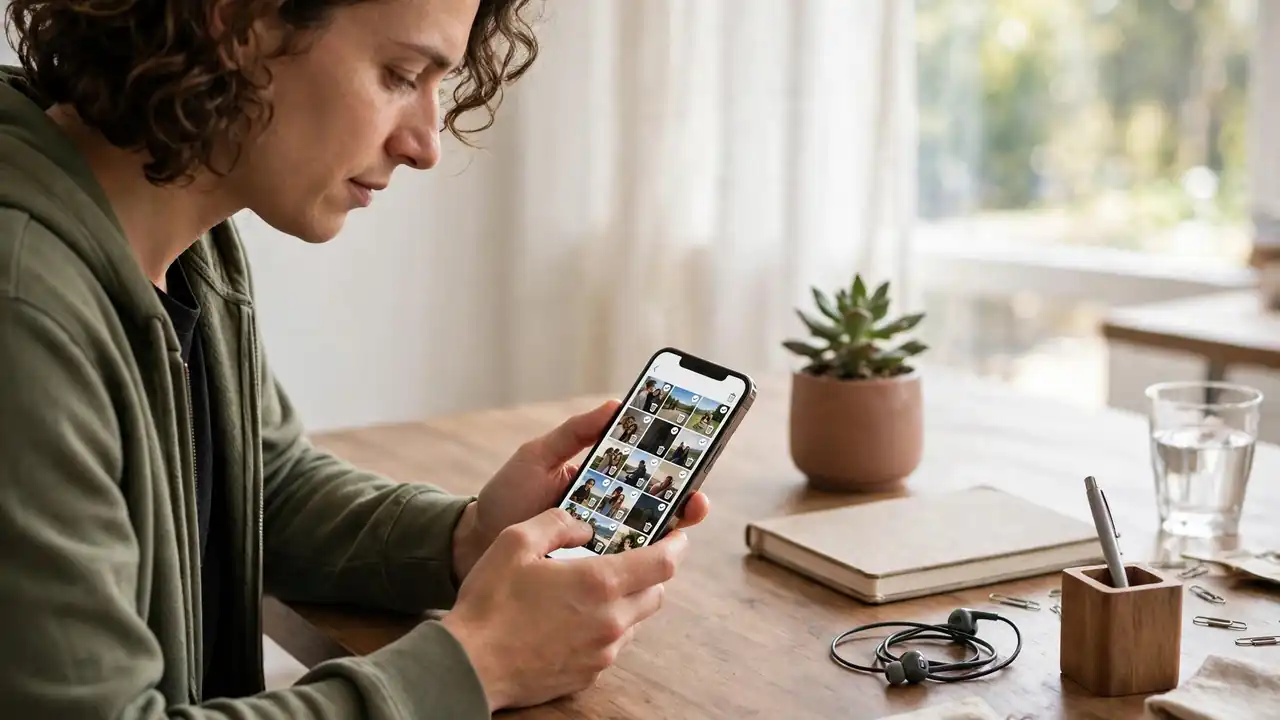
I treat my camera roll like a garden: a little regular pruning beats a yearly jungle. I delete burst photos and keep only the best shot. I delete screenshots once I have used the information. I delete duplicates with my phone’s built-in duplicate finder. Then I make small albums for the photos I love, like family, travel, and recipes, so finding a memory takes seconds instead of a long scroll. I do the same with messages: I archive old chats, leave dead groups, and mute the ones I keep only out of politeness.
Browser tabs deserve the same honesty. I once had 87 tabs open, each one a promise to “read later” that I never kept. I closed all but five, bookmarked the two that truly mattered, and felt instant relief. The time I got back now goes to better uses, like the calm routines in my guides to yoga for beginners and home workouts, instead of another hour of scrolling. If a tab has waited three months, I will not read it. I close it and trust that I can search for it again if I ever need it. The same goes for email: I unsubscribe from newsletters I never open, because every unread email is a small decision I keep postponing. A cleaner inbox and a cleaner phone feed the same calm feeling.
Keep It Clean With a Monthly Ten-Minute Habit
I used to declutter once a year in a giant stressful session, and the mess always came back. Now I spend ten minutes on the first Sunday of every month, and the phone stays clean all year. I delete ten files, I check my storage, I remove any app I installed and forgot, and I review my subscriptions. That small rhythm works because it is small. A ten-minute habit survives busy months. A four-hour project does not.

Frequently Asked Questions
How long does it take to declutter a phone properly?
For most people, one calm afternoon of two to three hours covers the full job: backup, storage cleanup, app deletion, home screen rebuild, and notification settings. After that, ten minutes a month keeps it clean, so you never need another big session.
Will deleting apps delete my data or photos?
Deleting an app usually removes its local data, but your photos stay safe if they are backed up to the cloud or your computer first. That is why I always back up and verify the backup before deleting anything, and why cloud photo apps offer a “free up space” option that keeps the cloud copy while removing the phone copy.
How much free storage should I keep on my phone?
Aim for at least 10 to 15 percent of your storage free. On a 128GB phone that is roughly 13 to 19GB of breathing room. Below that level, apps can stutter, updates can fail, and photos can take longer to save, because the system needs free space as working room.
Should I use a cleaner or booster app?
No, I would skip them. Your phone’s own storage tools are safer and do the same job without extra ads or permissions. Third-party cleaner apps often promise speed and deliver clutter of their own, so I stick to the built-in tools on iPhone and Android.
What if I delete an app and need it later?
Just reinstall it from your app store in two minutes. Your account data for most services lives in the cloud, so signing back in restores your content. The fear of needing an app again is the main reason clutter survives, and reinstalling is always cheaper than carrying a noisy app for a year.
How do I stop the clutter coming back?
Turn off automatic media downloads in chat apps, review new apps monthly, and keep a ten-minute first-Sunday habit. Prevention is one setting change and one tiny monthly check, while cure is a full afternoon, so the habit pays for itself many times over.
Final Thoughts
I started this guide with a phone that stressed me out every time I picked it up, and I want to end with the quiet feeling I have now. My home screen is calm, my storage has room to breathe, and my phone buzzes only when a real person needs me. That change took one afternoon, and it gave me back dozens of small moments every single day. You deserve that too. Start today, even if you only back up and delete ten apps, because a small clean start beats a perfect plan you never begin. I am proud of you for reading this far, and I would love to hear in the comments how many apps you deleted and how your phone feels now. Your number might inspire the next reader to start.
React to this story